
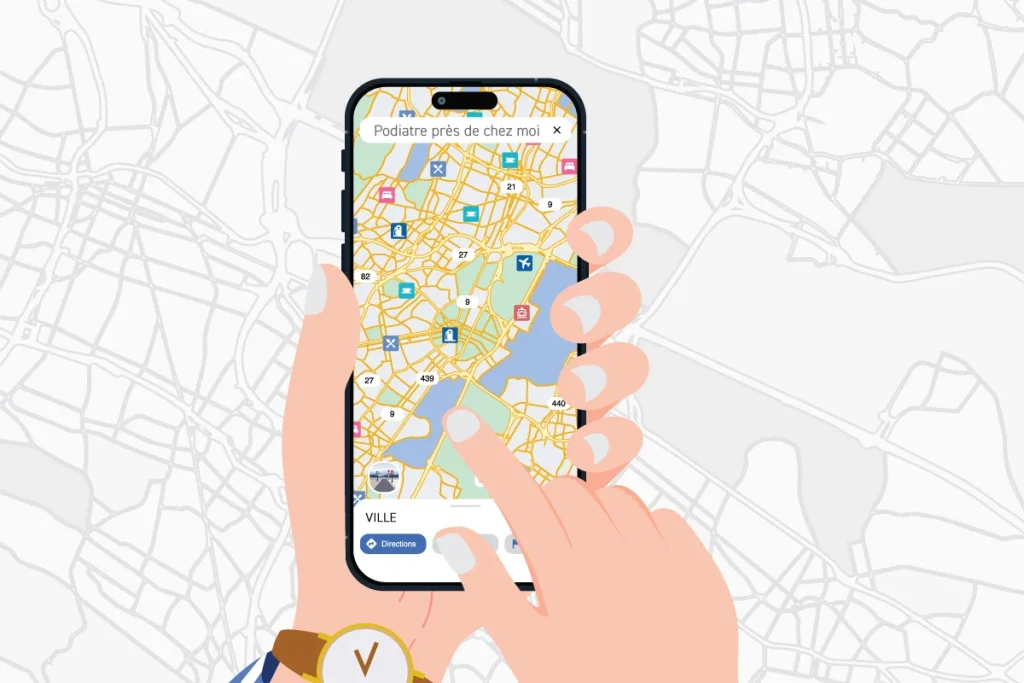
A few minutes may be all it takes to make sure your Google Business Profile is helping local patients find your clinic.
When patients look for a healthcare provider in their area, one of their first steps is often simple: they turn to Google.
They might search for “podiatrist near me,” “chiropodist near me,” “foot pain clinic + city,” or simply the name of a clinic.
And before they ever visit your website, there’s a good chance they’ll see your Google Business Profile.
Your profile can display your address, phone number, business hours, website, photos and reviews directly in Google Search and Google Maps.
That makes it a small but important part of your clinic’s local visibility.
Start by thinking like a patient
Try a very simple exercise.
Open Google and search for the name of your clinic.
What do you see?
Is your contact information accurate? Are your hours current? Do your photos still represent your clinic? Can patients easily find your website or understand how to contact you?
Next, try a broader search a potential patient might use, such as:
“podiatrist near me”
“chiropodist near me”
“foot pain clinic + [your city]”
Can you find your clinic?
More importantly: if you were a new patient, would what you see give you confidence to take the next step?
5 things to check on your Google Business Profile
1. Your basic information
Start with the essentials: review your clinic name, address, phone number, website and business hours.
Don’t forget special or holiday hours when applicable.
Your main contact information should also be consistent across your Google Business Profile and your website. Outdated information can quickly create confusion for a patient trying to contact or visit your clinic.
2. Your categories and services
Your primary business category helps Google understand what type of clinic you operate.
Take a few minutes to make sure it still accurately represents your practice and that any relevant additional categories are included.
Then review your services.
Are your main services listed? Are the descriptions easy for patients to understand? Have you added new services or left outdated ones on your profile?
A useful exercise is to look at your profile through the eyes of someone who knows absolutely nothing about your clinic.
Can they quickly understand what you do and how your clinic may be able to help them?
3. Your photos
Photos may seem secondary, but they give potential patients an early look at your clinic before they ever walk through the door.
Consider adding recent, authentic photos of your clinic exterior, reception area, treatment spaces and team.
They don’t necessarily need to be perfectly produced. More importantly, they should accurately represent the experience patients can expect when they visit your clinic.
4. Your Google reviews
Reviews are another part of the information prospective patients may see before deciding whether to contact your clinic.
Make a habit of reading your recent reviews and, when appropriate, responding to them.
You can also consider how requesting reviews might naturally fit into your patient experience.
Important: Always follow the professional and privacy requirements that apply to your practice when requesting or responding to patient reviews.
5. Keeping your profile current
Your Google Business Profile doesn’t necessarily require constant attention.
The important thing is to avoid creating your profile…and then forgetting about it for the next two years.
A change in business hours, a new service, new team photos or an update to your website are all good opportunities to check whether your Google profile needs an update too.
A quick review from time to time can help ensure patients are seeing an accurate and current representation of your clinic.
Give your profile a 10-minute check-up
To make the process easier, we created the 10-Minute Google Business Profile Check-up.
This simple checklist walks you through the essentials:
- your contact information and business hours;
- your business categories;
- your services;
- your photos;
- your reviews;
- and what a potential patient actually sees when searching for your clinic.
Download the 10-Minute Google Business Profile Check-up
One more tip: set a reminder in your calendar to repeat the exercise every three months.
Ten minutes may be enough to catch outdated information or identify a small improvement that makes your clinic easier for local patients to find and understand.
Practical tools to support your clinic
At Cryos, we believe supporting our clinic partners goes beyond orthotics.
We’re committed to sharing practical resources, tools and ideas that can help your practice communicate with patients, increase its visibility and support its continued growth.